
What is BugBrain?
BugBrain is an AI QA platform that explores your app like a real user, finds the bugs your team misses, and gates them before they ship — no test scripts to write.
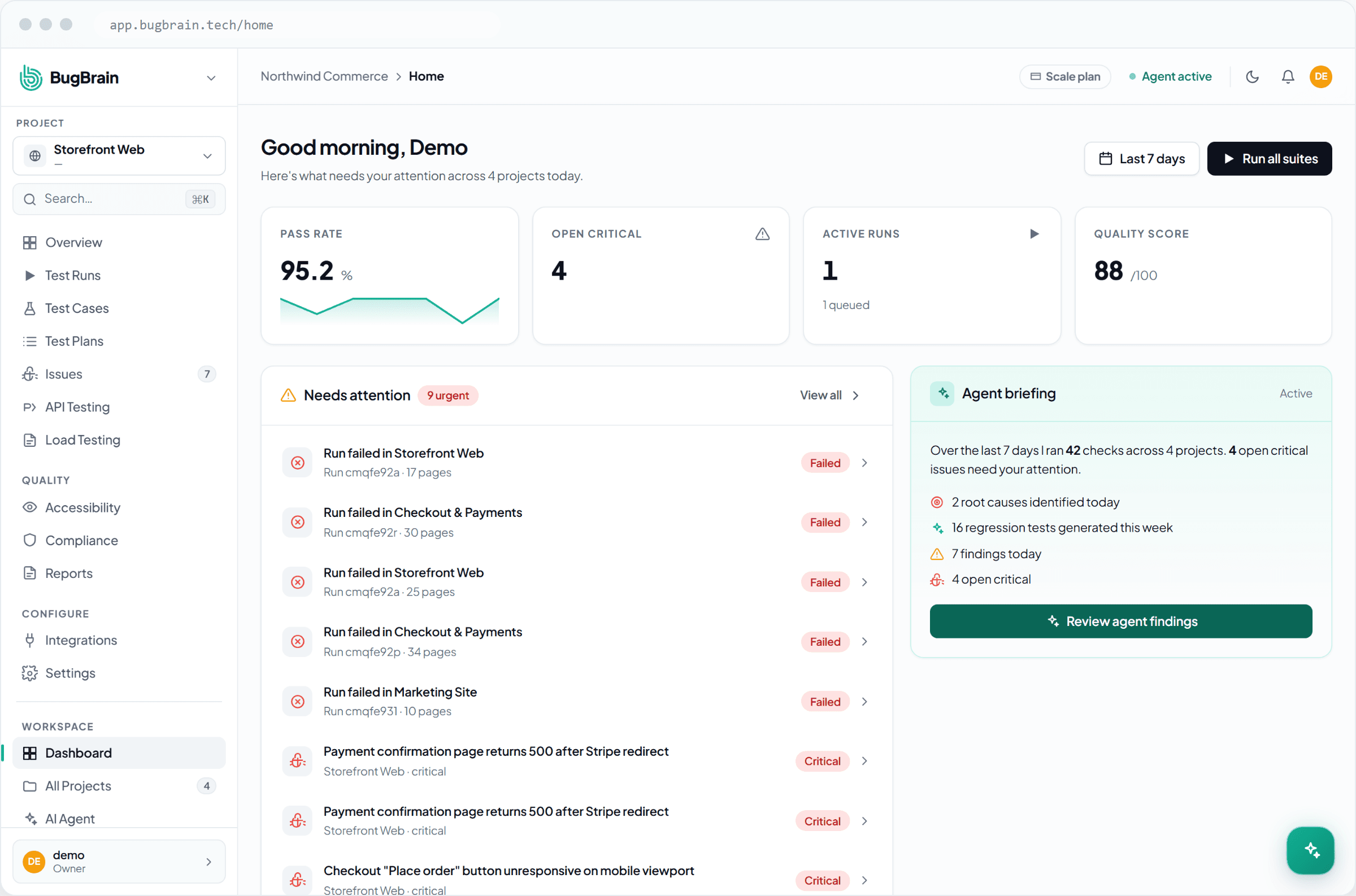
BugBrain is an AI QA platform. You point it at your web app, and autonomous AI agents explore it like a real user — clicking through flows, filling forms, completing checkouts — to find bugs, accessibility problems, and regressions. It reports each issue with a screenshot, the steps to reproduce it, and a confidence score, and it can gate those bugs in your pull requests before they ship.
There are no scripts to write to get started. You can add precise, repeatable test cases later (in plain English, or by importing what you already have), but your first useful run is just a URL away.
What you can do with BugBrain#
How it works, in one minute#
You create a project
A project points at one app — its URL and, optionally, login credentials so the agents can test signed-in flows.BugBrain explores and tests
AI agents drive a real browser through your app. They build a map of every page and flow, then exercise the important ones the way a careful user would.You get issues with evidence
Each finding includes a screenshot, reproduction steps, a category and severity, and a confidence score — so you can act, not investigate.It keeps watch
Schedule runs, gate pull requests, and let the agent author and heal test cases as your app changes.
Who BugBrain is for#
Next steps#
Frequently asked questions
Does BugBrain replace my QA team?
No. BugBrain handles the repetitive, broad-coverage exploration and regression checking so your QA engineers can focus on judgement-heavy work — exploratory edge cases, UX, and release decisions. Most teams use it to expand coverage without adding headcount.
Do I need to write test scripts or code to start?
No. Point BugBrain at a URL and it explores autonomously. You can later add precise test cases in plain English (or import existing ones), but nothing is required to get value from your first run.
What kinds of apps can BugBrain test?
Web applications (the core), plus REST APIs, and LLM-powered apps like chatbots and voice agents through the dedicated AI Testing add-on. Accessibility and compliance audits run against any reachable web app.