
Billing & plans
How billing and plans work in BugBrain — the LAUNCH, STARTUP, and SCALE plans, the 14-day trial, metered add-ons, invoices, changing or canceling your subscription, and operator-approved refunds.
Billing & plans is where you choose a plan, buy add-ons, view invoices, and manage your subscription. This guide covers the plans, the trial, add-ons, and the everyday billing actions.
What it is#
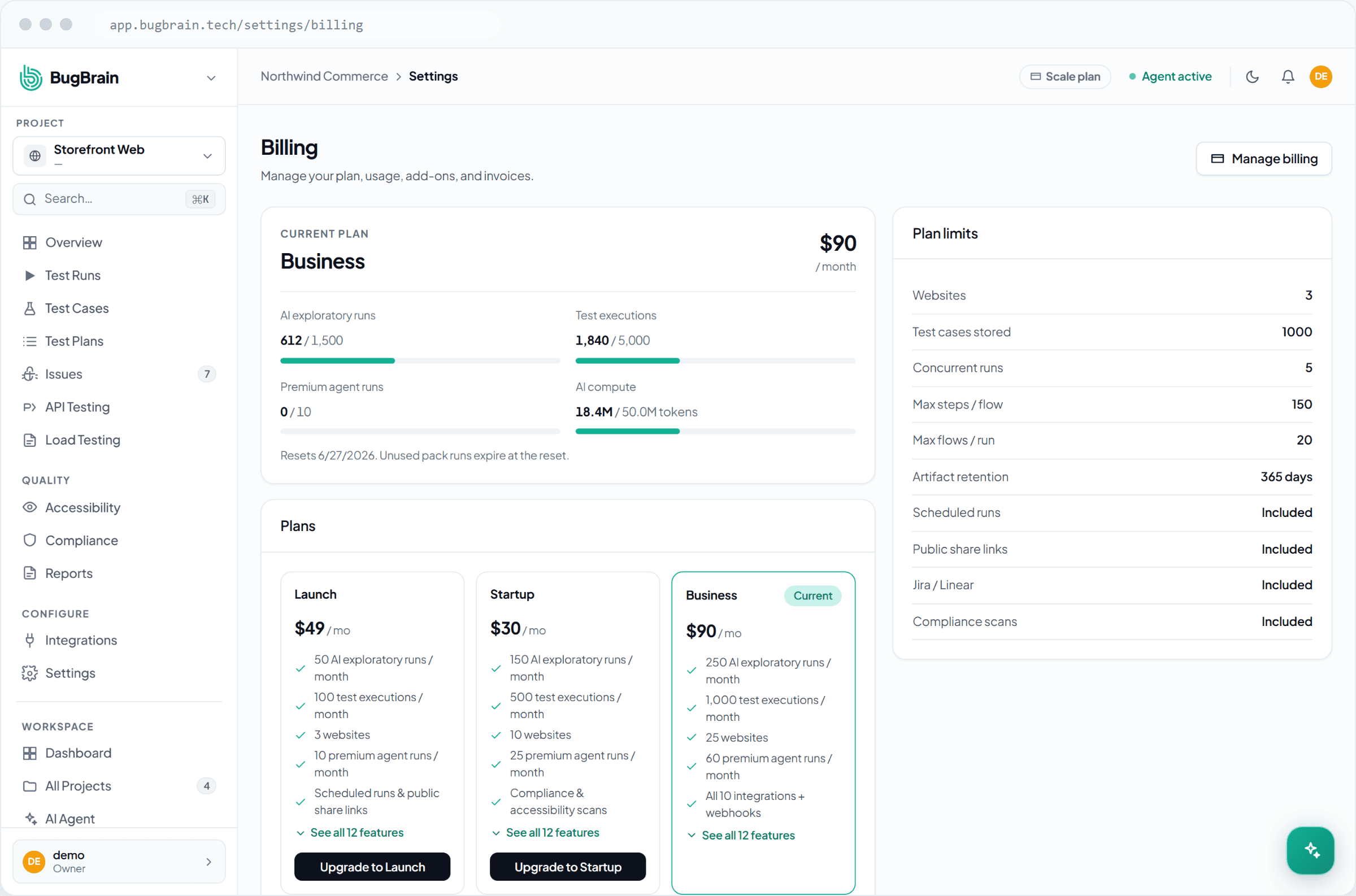
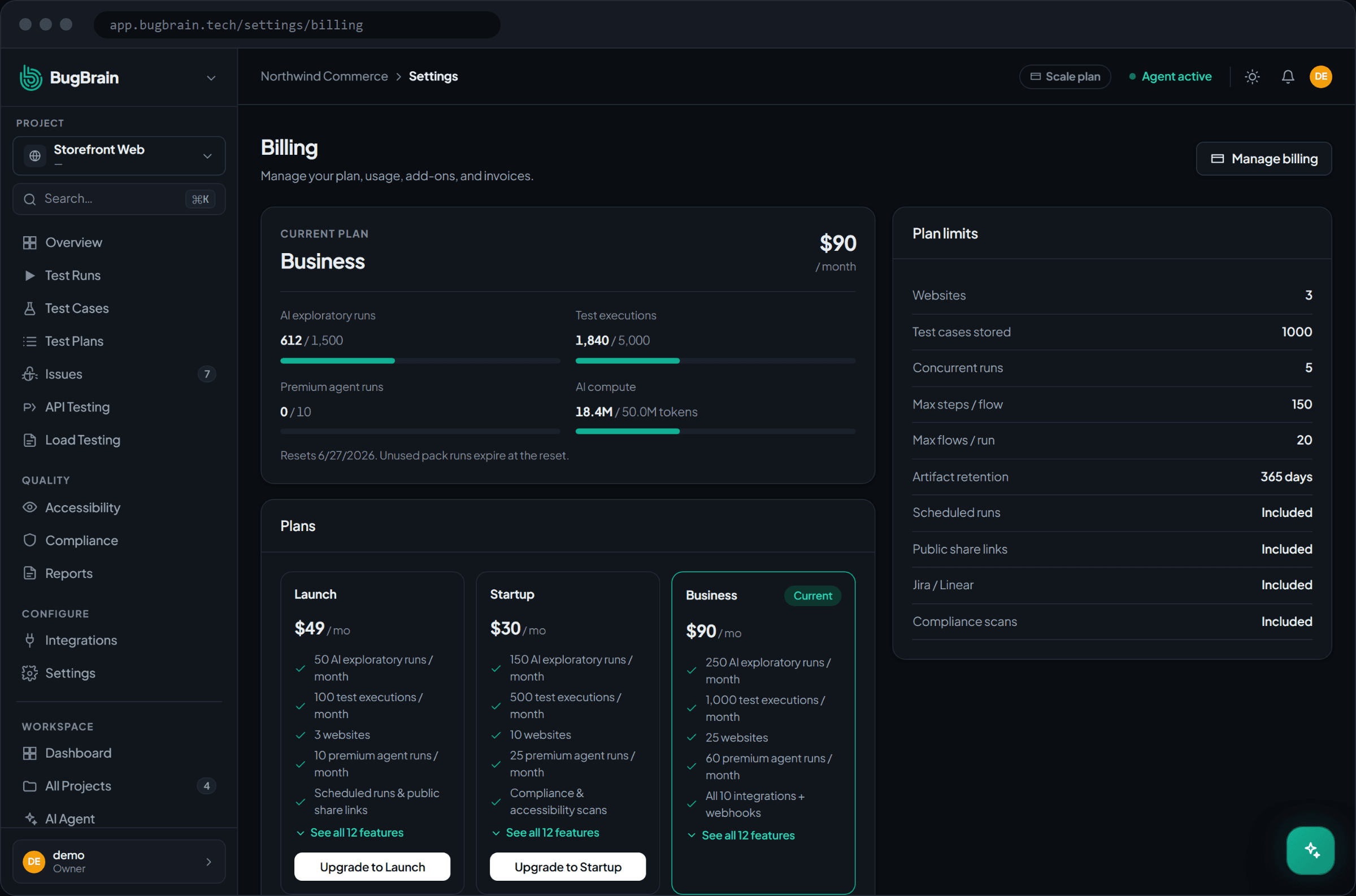
BugBrain has three plans — LAUNCH, STARTUP, and SCALE — and a 14-day trial so you can evaluate it before committing. Plans differ along dimensions like usage quotas and included features rather than a single number, so the right plan depends on how much you test and which capabilities you need.
On top of a plan you can buy add-ons:
- Run packs — extra test-run capacity.
- Premium boost — added Premium Agent capacity.
- PR automation — the pre-merge quality-gate add-on.
Some add-ons are one-time and some are metered (billed by usage). They show up in billing next to your subscription.
We don't quote prices here
Exact prices and quota numbers live in one place that stays current — the plans & quotas reference. This guide describes the dimensions (usage, features, add-ons); check the reference for the live figures.
Why use it#
- Right-size your spend — start on the trial, pick the plan that fits your testing volume, and add capacity only where you need it.
- Self-serve management — change plans, cancel, or undo a cancellation yourself, without a sales call.
- Clear records — invoices for every charge are available to download.
Before you start#
You need the right permission:
billing:viewto see the plan, usage, and invoices.billing:manageto change plans, buy add-ons, or request a refund.
Handled by a Merchant of Record
BugBrain's billing runs through a Merchant of Record — a payment partner that handles checkout, tax, and invoices. The screens stay provider-neutral: when you start a checkout or open the billing portal, BugBrain hands you a secure redirect to complete the action. You don't need to know who the provider is.
Manage your subscription#
Open Billing
Go to Settings → Billing to see your current plan, usage, and invoices.Change plan
Switch to a different plan — the change is prorated, so you're charged or credited for the difference.Cancel or uncancel
Cancel at the end of the current period (you keep access until it closes), or undo a pending cancellation to stay subscribed.View invoices
Open and download invoices for your records.
Buy an add-on#
Open Billing
From Settings → Billing, find the add-ons section.Choose an add-on
Pick a run pack, premium boost, or PR automation.Complete checkout
BugBrain redirects you to the Merchant of Record to finish the purchase; the add-on then appears with your subscription.
Request a refund#
Refunds are operator-approved — there's no self-serve refund button.
Find the order
In Settings → Billing, locate the paid order you want refunded.Request the refund
Submit a refund request against that order.Wait for review
A BugBrain operator reviews and approves it. Issuing a refund does not automatically downgrade your plan.
Tips#
- Use the 14-day trial to test against a real project before you pick a plan.
- Match add-ons to actual usage — buy a run pack when you're consistently near your run capacity, not before.
- If you're unsure which plan fits, the plans & quotas reference lays out the dimensions side by side.
Related#
Frequently asked questions
What plans are there, and is there a trial?
There are three plans — LAUNCH, STARTUP, and SCALE — plus a 14-day trial to evaluate BugBrain. Each plan differs along dimensions like usage quotas and included features; see the plans and quotas reference for the current details.
How do I change or cancel my plan?
From Settings → Billing you can change plans (the switch is prorated), cancel at the end of the current period, or undo a pending cancellation. Canceling at period end keeps your access until the period closes.
Can I get a refund?
Refunds are operator-approved — there's no self-serve refund button. You request a refund against a paid order, and a BugBrain operator reviews and approves it. There is no automatic plan downgrade when a refund is issued.
What are add-ons?
Optional capabilities you buy on top of your plan — for example run packs, a premium boost, and PR automation. Some are one-time and some are metered (you're billed by usage). They appear in billing alongside your subscription.