
Issues & bug triage
Review, triage, and act on the issues BugBrain finds — severity and category, deduplication by signature, AI root-cause analysis, false-positive handling, and one-click push to Jira, Linear, and Slack.
An issue is a problem BugBrain found, packaged for action: a plain-English title, a screenshot, steps to reproduce, a category and severity, and a confidence score. This guide covers triaging issues and routing them into your workflow.
What it is#
Issues are created automatically during runs. Rather than a raw error dump, each issue is triaged by AI: deduplicated against everything seen before, rated for severity, classified by category (functional bug, accessibility, performance, network, and more), and — for the important ones — analyzed for a likely root cause with a suggested fix.
Why use it#
- Signal, not noise — deduplication and confidence scoring mean you act on real problems, not a wall of repeats.
- Faster fixes — root-cause hypotheses and reproduction steps turn "investigate" into "fix."
- Closed loop — push to Jira/Linear/GitHub and keep status in sync, so nothing falls through.
Before you start#
Issues appear as soon as a run finds them — no setup required. To push issues to a tracker, connect an integration first. Triage actions need the issues:triage / issues:resolve permissions.
Review issues#
You can browse issues org-wide or per project.
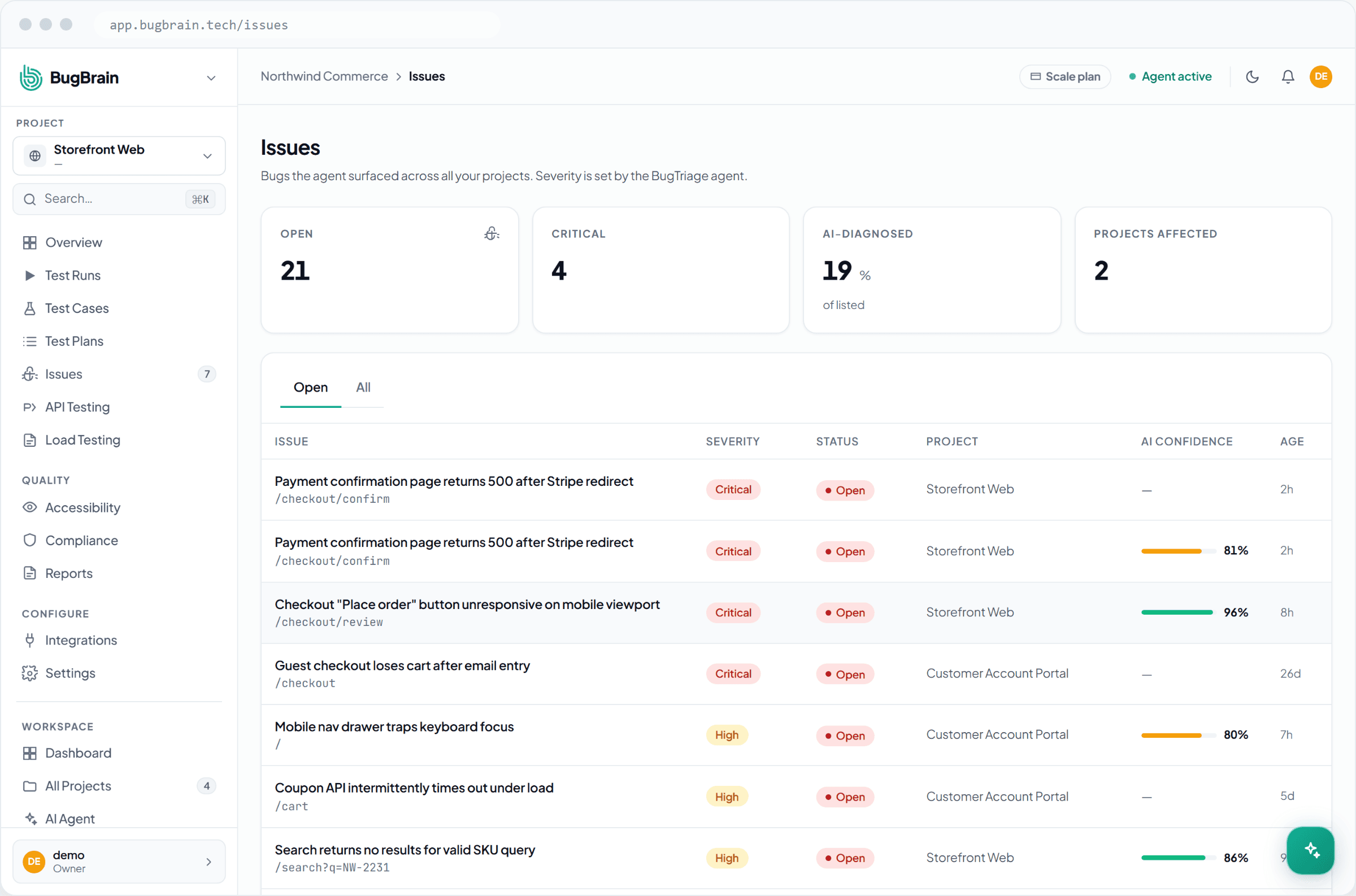
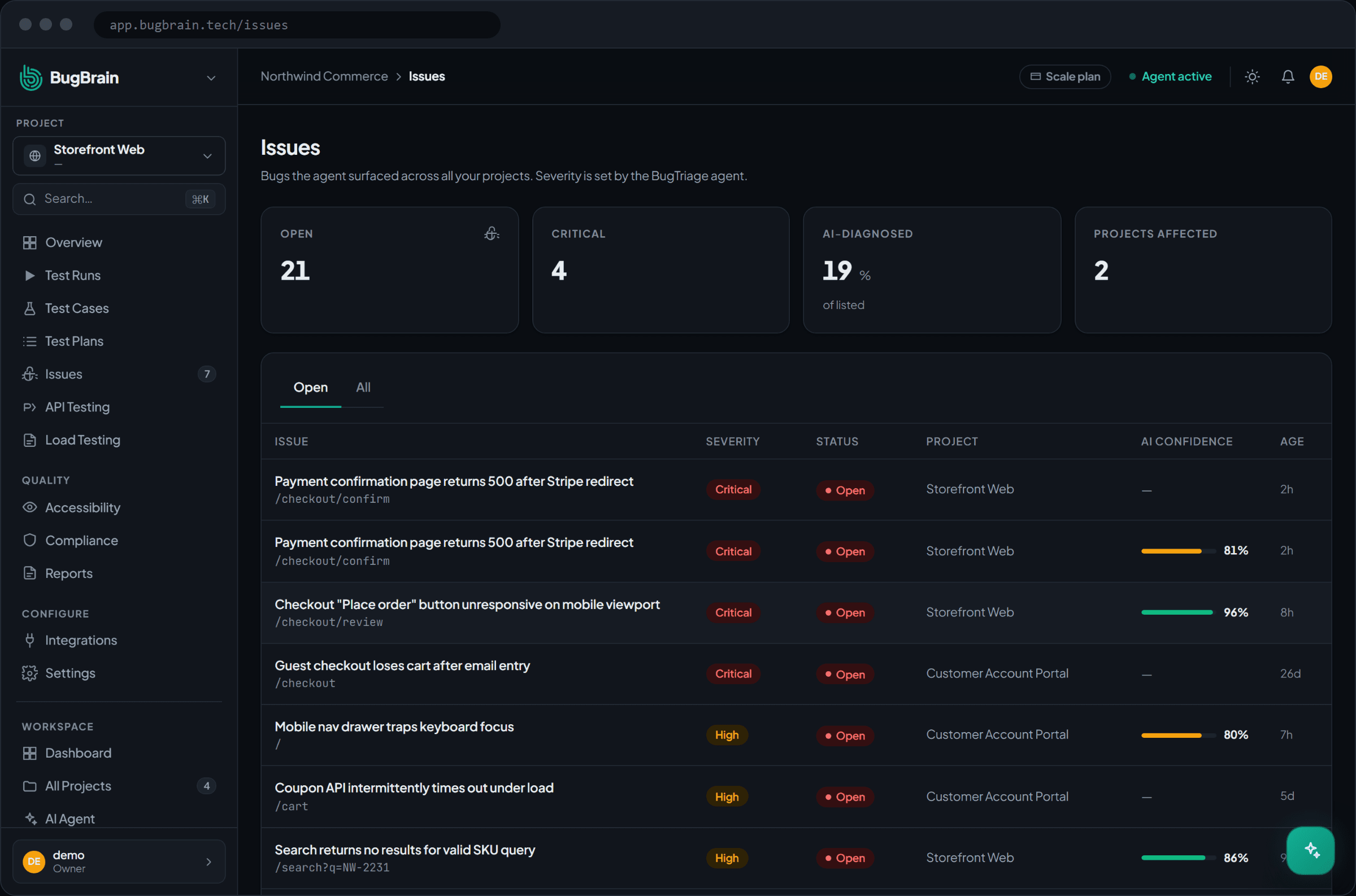
Open the Issues list
Filter by severity (CRITICAL → LOW), status (open / triaged / resolved / dismissed), category, and project.Open an issue
See its full detail — title, description, evidence screenshot, reproduction steps, the runs it appeared in, and the AI oracle's confidence.Read the triage
For high-severity issues, BugBrain adds a root-cause hypothesis, impact area, and a suggested fix.
Triage actions#
- Confirm / change severity — accept the issue or adjust its severity.
- Mark false positive — record it as not-a-bug; it leaves your open counts and informs gating.
- Resolve — close it once fixed; resolution is timestamped.
- Assign — hand it to a teammate.
- Deduplicate — handled automatically by signature; the occurrence count shows how often it's recurred.
Push to your tracker#
With an integration connected, create a linked Jira/Linear/GitHub issue in one click from the issue detail. The link is recorded on the issue, and resolving in BugBrain can update the linked item. Run-level events can also notify Slack or Teams. See Integrations.
Confidence + severity = priority
Sort your triage by both: a CRITICAL issue with high confidence is your first stop. Low-confidence findings deserve a quick human look before you discard them. The scoring model is explained in issue confidence & dedup.
Tips#
- Triage CRITICAL/HIGH first; let MEDIUM/LOW batch.
- Mark false positives promptly — it keeps counts honest and sharpens PR gating.
- Use the org-wide Issues view for a cross-project sweep; use the per-project view during focused work.
Related#
Frequently asked questions
Why does the same bug not show up multiple times?
BugBrain computes a signature (a fingerprint) for each issue, so the same problem seen across many runs is deduplicated into a single issue with an occurrence count — instead of flooding you with duplicates.
What does the confidence score mean?
It's how confident BugBrain's oracle is that the finding is a real, reproducible bug versus noise. Prioritize high-confidence, high-severity issues; low-confidence findings are worth a quick human check.
How do I send an issue to my issue tracker?
Connect an integration (Jira, Linear, GitHub, etc.), then create a linked issue with one click from the issue detail. Status updates can flow back as the issue is resolved.
What happens when I mark something a false positive?
It's recorded as not-a-bug and excluded from your open counts. Marking false positives also helps tune what counts toward pre-merge gating, so noise doesn't block PRs.