
AI API testing
How to do AI API testing in BugBrain — organize collections, folders, and requests, send a request to inspect status, time, and response body, and add AI-assisted response assertions. A metered add-on.
API testing lets you build and send HTTP requests against your endpoints — the everyday "send a request, read the response" workflow — without leaving your project. This guide covers organizing requests and running them. It is a metered add-on, so it must be enabled for your workspace first.
What it is#
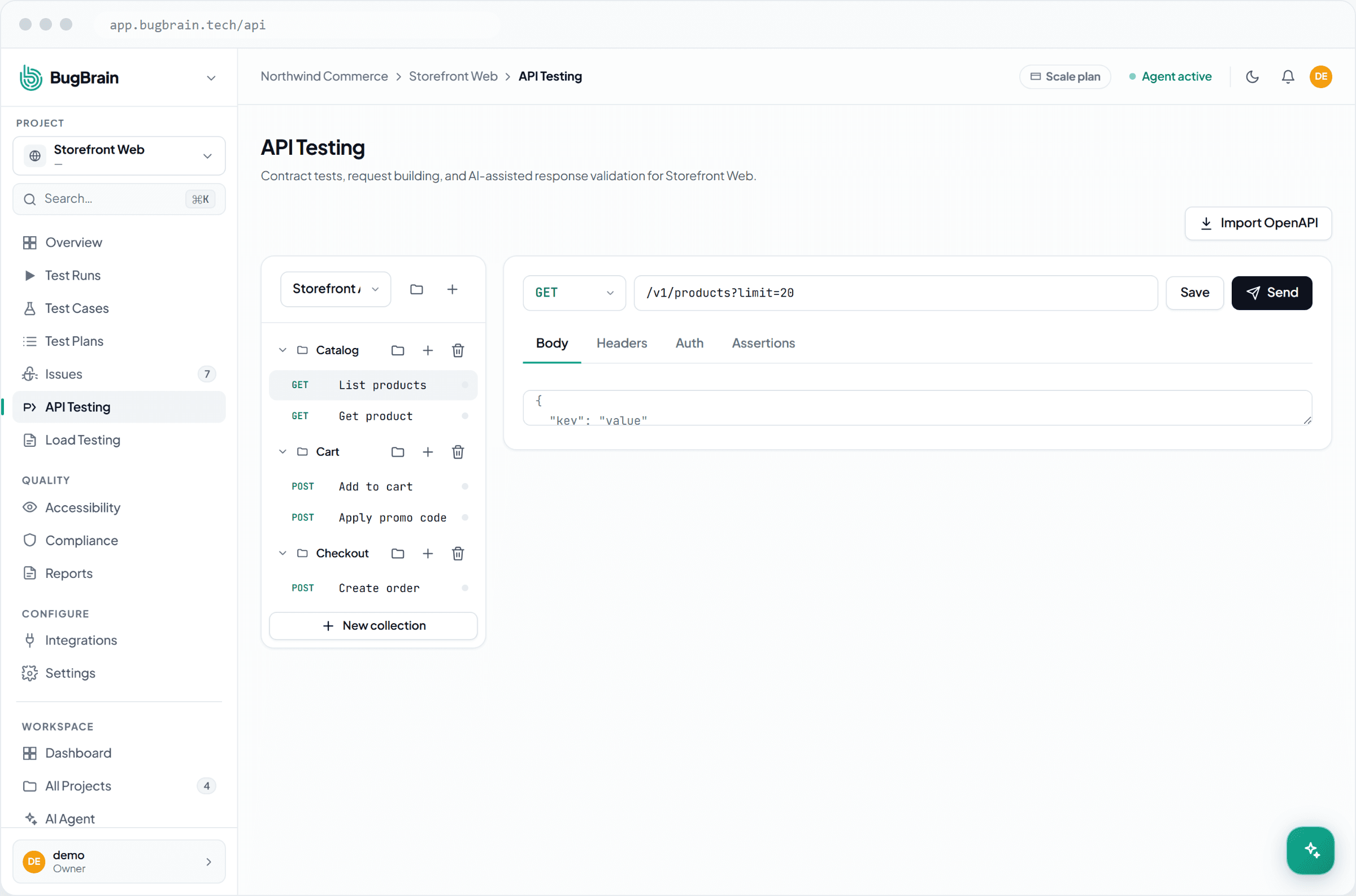
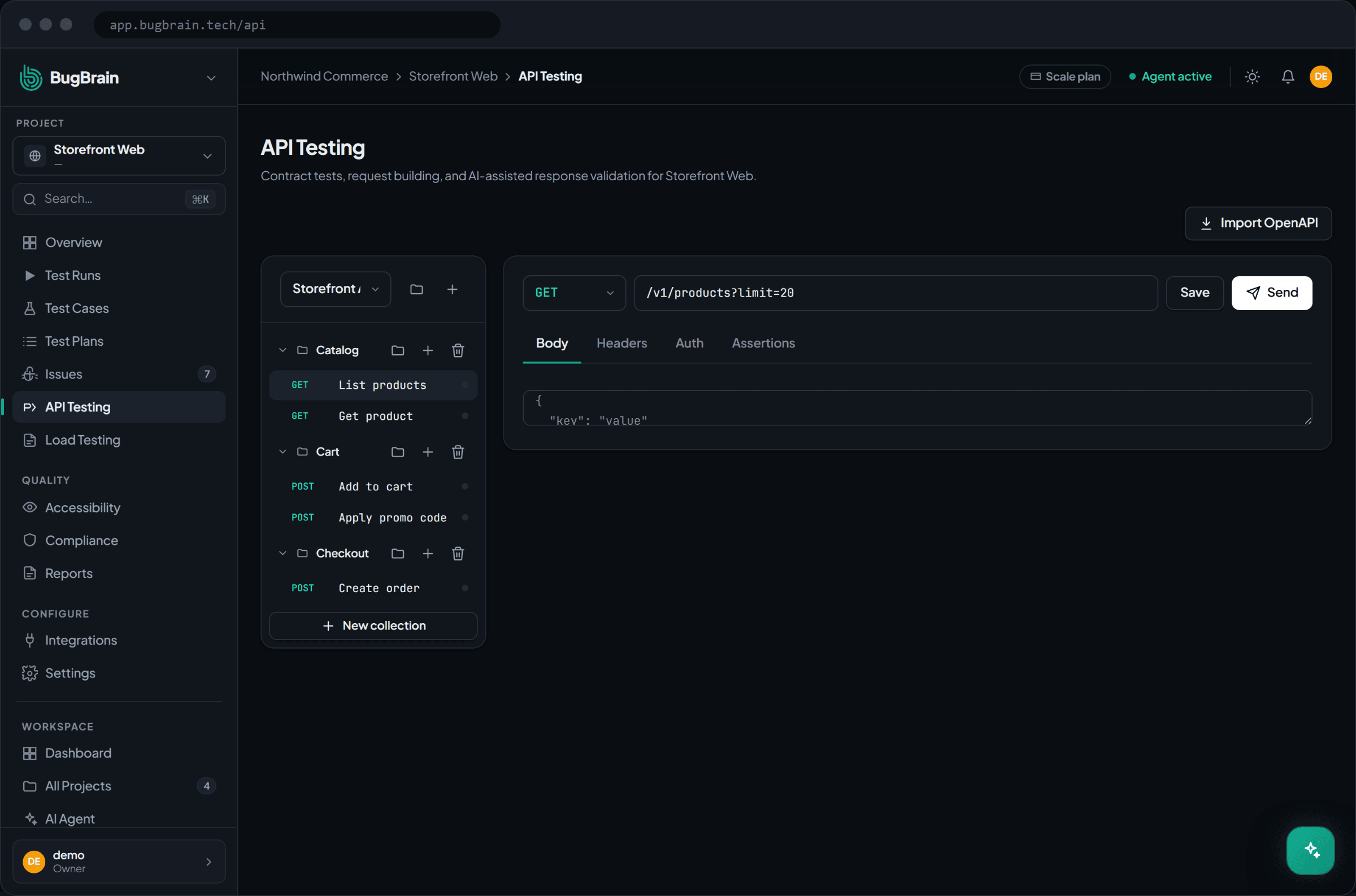
API testing gives you a Postman-style workspace inside a project at Projects → API. You organize work into collections (top-level groups), folders (sub-groups inside a collection), and requests (the individual calls you send). A request carries everything an HTTP call needs:
- Method — GET, POST, PUT, DELETE, or PATCH.
- URL and base URL — the path plus the base it's joined to.
- Headers — name/value pairs sent with the request.
- Query params — values appended to the URL.
- Body — JSON, form-data, or raw text (for the methods that send one).
- Auth — inherited from the project, or overridden per request with Basic, Bearer, or API-key credentials.
When you send a request, BugBrain shows the response status code, the response time, and the response body, saves the response, and keeps a run history so you can see how an endpoint behaved across runs.
Why use it#
- One home for testing — your API checks sit next to your UI test runs, cases, and issues, in the same project.
- No tool-switching — build, send, and inspect requests in the browser; auth is reused from the project so you're not re-entering credentials.
- AI-assisted assertions — instead of hand-writing every check, BugBrain can suggest assertions about a response (for example, that a field exists or a status is what you expect).
Before you start#
API testing is a metered, feature-flag-gated add-on. Before the page works for your workspace:
- A super-admin must turn on the
api-testingfeature flag for your workspace. If it's off, the page shows a "not enabled" notice with an upgrade or contact path instead of the workspace. - You need the right permissions:
api-testing:viewto see requests,api-testing:create/api-testing:edit/api-testing:deleteto manage collections, folders, and requests, andapi-testing:executeto send a request.
Add-on, gated two ways
Like BugBrain's other add-ons, API testing only appears when its feature flag is on. If you don't see API testing in a project, ask a workspace owner or super-admin to enable it.
Organize your requests#
Open API testing
Go to Projects → API for your project.Create a collection
Add a top-level collection to group related endpoints (for example, one collection per service).Add folders and requests
Inside a collection, create folders to sub-group requests, then add requests for the individual endpoints you want to test.
Build a request#
Set the method and URL
Pick the HTTP method (GET, POST, PUT, DELETE, PATCH) and enter the URL, joined to its base URL.Add headers, params, and a body
Fill in any headers and query params. For methods that send data, add a body as JSON, form-data, or raw text.Choose how it authenticates
Leave auth set to inherit from the project, or override it for this request with Basic, Bearer, or API-key credentials.
Run a request and read the response#
Send the request
Run the request to call the endpoint.Read the result
See the status code, response time, and response body. The response is saved with the run.Add AI-assisted assertions
Let BugBrain suggest assertions about the response — checks you can keep so future runs verify the same expectations.Compare over time
Open the request's run history to see how its status, timing, and body have changed across runs.
Reuse project auth
Set credentials once on the project and let requests inherit them. Only override auth on a request when that specific endpoint needs different credentials — it keeps your collections clean.
Tips#
- Mirror your service boundaries with collections, and use folders for areas within a service, so a large API stays navigable.
- Keep base URLs on the request so you can point a whole collection at staging or production by changing one value.
- Use the run history to spot regressions — a status code or response time that drifts between runs is an early warning.
Related#
Frequently asked questions
Is API testing a Postman alternative?
It covers the same everyday job — build a request with a method, URL, headers, query params, body, and auth, send it, and read the response — but it lives inside your project alongside your other tests, and BugBrain can suggest response assertions for you. It's a metered add-on your workspace must have enabled.
Where do requests get their authentication from?
A request inherits auth from the project by default. You can override it per request with Basic, Bearer, or API-key auth when a specific endpoint needs different credentials.
What does a request run record?
Each run captures the HTTP status code, the response time, and the response body, and keeps it in the request's run history so you can compare results over time.
Why do I see a "not enabled" notice instead of API testing?
API testing is a metered add-on. If the feature flag is off for your workspace, the page shows a notice with an upgrade or contact path. Ask a super-admin to enable it and grant a quota.
What permissions do I need?
Viewing needs api-testing:view; creating, editing, and deleting collections and requests need api-testing:create, api-testing:edit, and api-testing:delete; sending a request needs api-testing:execute.