
Compliance evidence automation
How to generate compliance and security audit evidence in BugBrain — findings and report snapshots that support attestations like SOC 2 readiness, GDPR, and HIPAA. It produces evidence from your test runs; it does not certify your company.
Compliance turns your test activity into audit evidence — findings and point-in-time snapshots that support attestations like SOC 2 readiness, GDPR, and HIPAA. This guide covers generating that evidence and what it does (and doesn't) mean.
This generates evidence — it does not certify you
BugBrain produces compliance evidence from your test runs. It does not certify your company, and BugBrain itself is not a certification body. SOC 2, GDPR, HIPAA, and similar frameworks are attested by auditors and governing bodies after their own review. Treat these reports as supporting material you hand to an auditor, not as proof of compliance on their own.
What it is#
A compliance report assembles findings and report snapshots out of work BugBrain has already done against your project — the runs it executed, the issues it found, and the checks it performed. Rather than a self-attested checklist, the evidence reflects real, recorded testing. A snapshot freezes that evidence at a point in time, so you have a stable record to attach to an attestation even as your project keeps evolving.
Why use it#
- Evidence from real testing — auditors want proof, not promises. Evidence drawn from your actual test runs is stronger than a manually maintained checklist.
- A point-in-time record — snapshots give you a frozen, dated artifact for the audit window.
- Less manual assembly — instead of screenshotting and collating by hand, the findings are gathered for you.
Before you start#
Compliance is gated by a feature flag and a permission:
- The
compliancefeature flag must be on for your workspace. If it's off, you won't see the Compliance tab — ask a workspace owner or super-admin to enable it. - You need the
compliance:viewpermission to open and read reports. - It helps to have run some tests first — compliance evidence is built from your existing test activity.
Generate evidence#
Open Compliance
Go to Projects → Compliance for your project.Review findings
See the findings assembled from your test runs, organized for the framework you care about.Create a snapshot
Freeze the current evidence into a point-in-time snapshot you can keep and share.
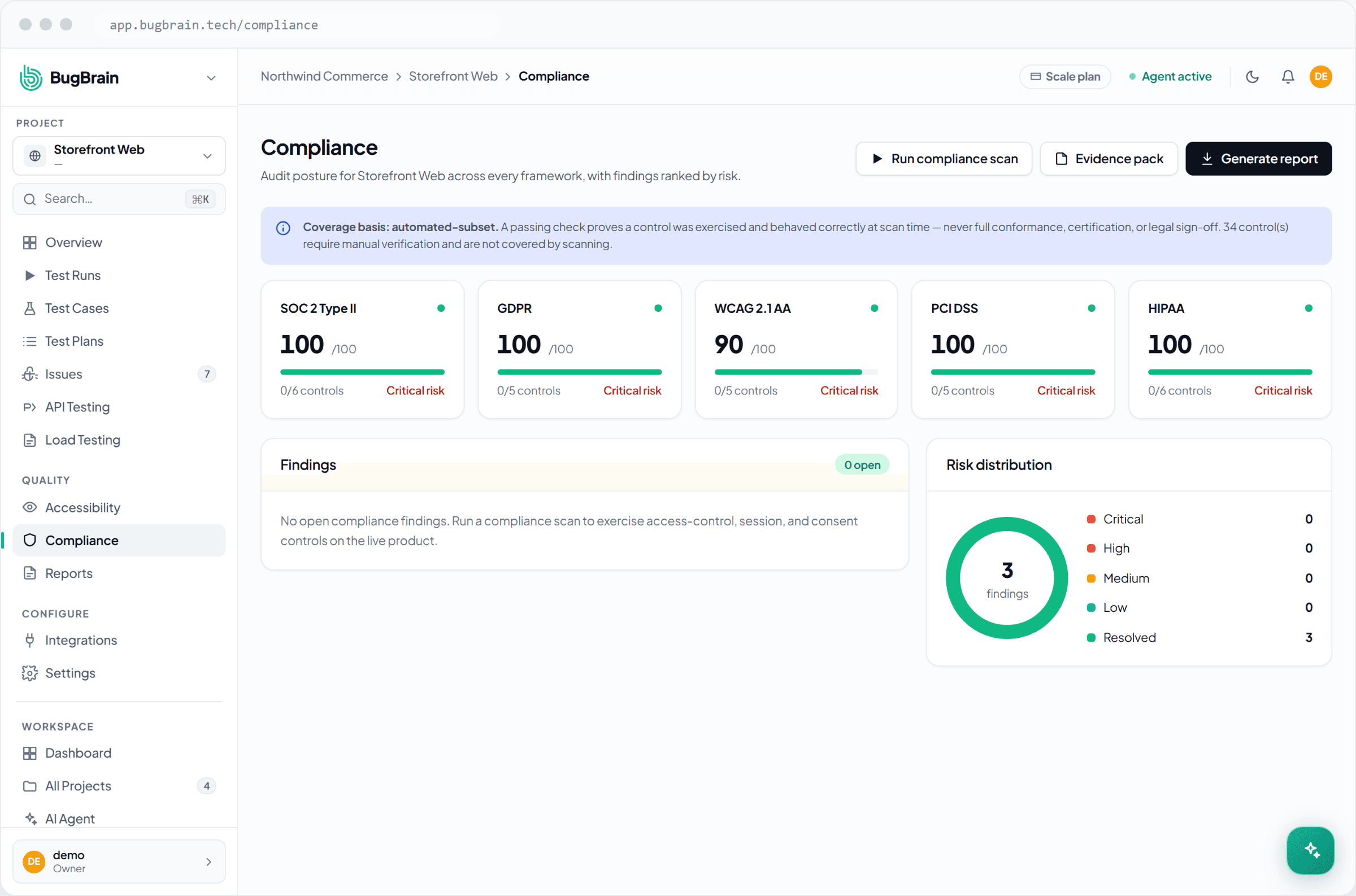
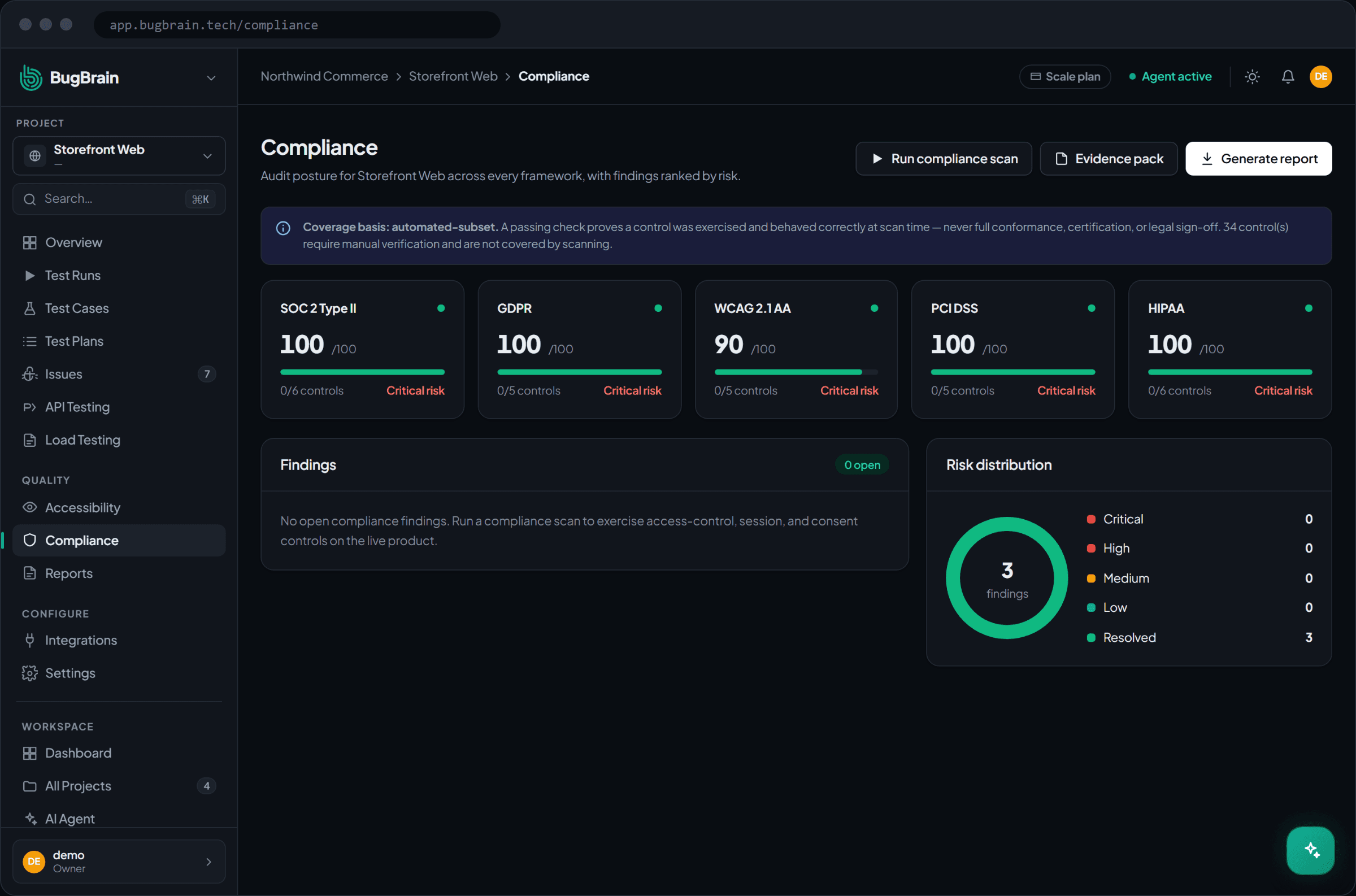
Pair it with a Compliance Evidence report
The Reports module includes a Compliance Evidence and a SOC 2 Evidence Pack report definition. Use them to package this evidence into a polished, shareable document — including a read-only link or auditor access for someone outside your workspace.
Tips#
- Snapshot at the start and end of your audit window so you have stable records to reference, no matter how much the project changes between.
- Keep testing — the richer your run history, the stronger the evidence the report can assemble.
- Be precise in how you describe it externally: BugBrain provides evidence to support an attestation; it does not award one.
Related#
Frequently asked questions
Does this make my company SOC 2 (or GDPR / HIPAA) compliant?
No. BugBrain generates evidence from your test runs to support an attestation — it does not certify your company, and it is not itself a certification. Certification is awarded by an auditor or governing body after their own review. Use these reports as supporting material, not as proof of compliance on their own.
Where does the evidence come from?
From your actual test activity. A compliance report assembles findings and point-in-time snapshots out of the runs, issues, and checks BugBrain has already performed against your project, so the evidence reflects real testing rather than a checklist someone filled in.
What's a report snapshot?
A snapshot freezes the state of your compliance evidence at a point in time, so you have a stable record to hand to an auditor — even as your project keeps changing afterward.
Why don't I see a Compliance tab?
Compliance is gated by the `compliance` feature flag. If it's off for your workspace, ask a workspace owner or super-admin to enable it. Viewing also needs the `compliance:view` permission.