
API keys
How to create and manage BugBrain API keys (sk_live_…) for programmatic access from the MCP server and CI — Purpose presets, least-privilege scopes, the show-once secret, and revocation.
API keys let programs act on your workspace without a human login — the MCP server in your IDE, a CI job, or any script that calls BugBrain's REST API. This guide covers creating a key, choosing its access, and keeping it safe.
What it is#
An API key is a secret string that starts with sk_live_. You attach it to a tool, and that tool then acts as a limited principal in your workspace — it can do what the key's scopes allow, and nothing more. Scopes are a least-privilege layer: each one grants a specific capability.
When you create a key, you pick a Purpose preset that sets sensible scopes for you:
- MCP — full access, for driving BugBrain from your IDE via the MCP server.
- PR / CI — least-privilege scopes (including
pr:write), for an automated pipeline that only needs to do a few specific things.
Empty scopes = full access
A key with an empty scope set has no restrictions — it can do everything. That's why you should always pick the narrowest Purpose that still works. Choosing PR / CI applies a limited scope set instead of leaving the key wide open.
Why use it#
- Automation — let CI run checks and the MCP server query your workspace without a person signing in.
- Least privilege — give a pipeline only the scopes it needs, so a leaked CI key can't do everything.
- Attributable and revocable — each key is named and can be revoked the moment it's no longer needed.
Before you start#
- You need the
api-keys:managepermission to create or revoke keys. - Decide where the key will live — your IDE's MCP config, or your CI provider's secret store — so you can paste it straight in when it's shown.
Create a key#
Open API Keys
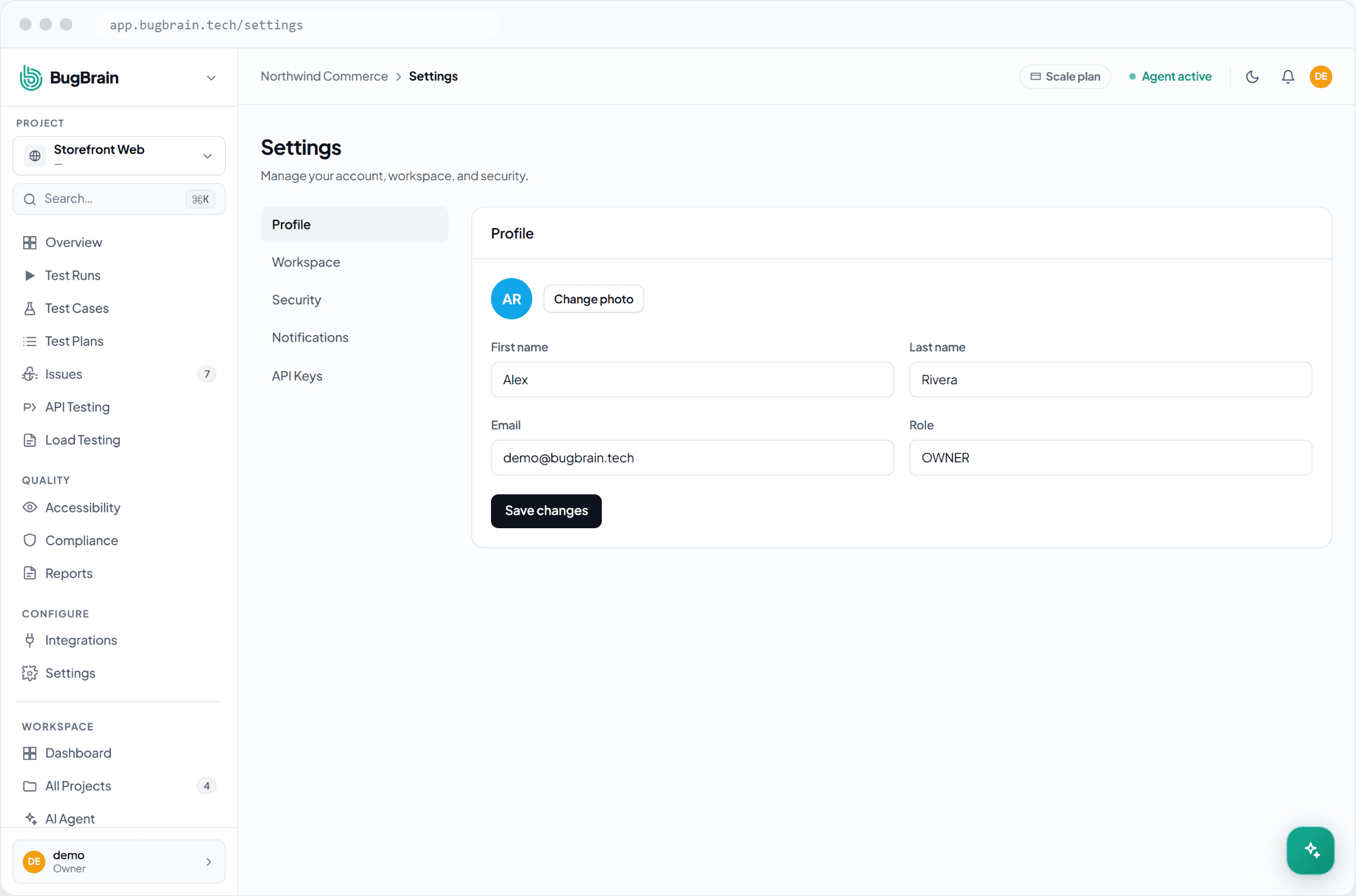
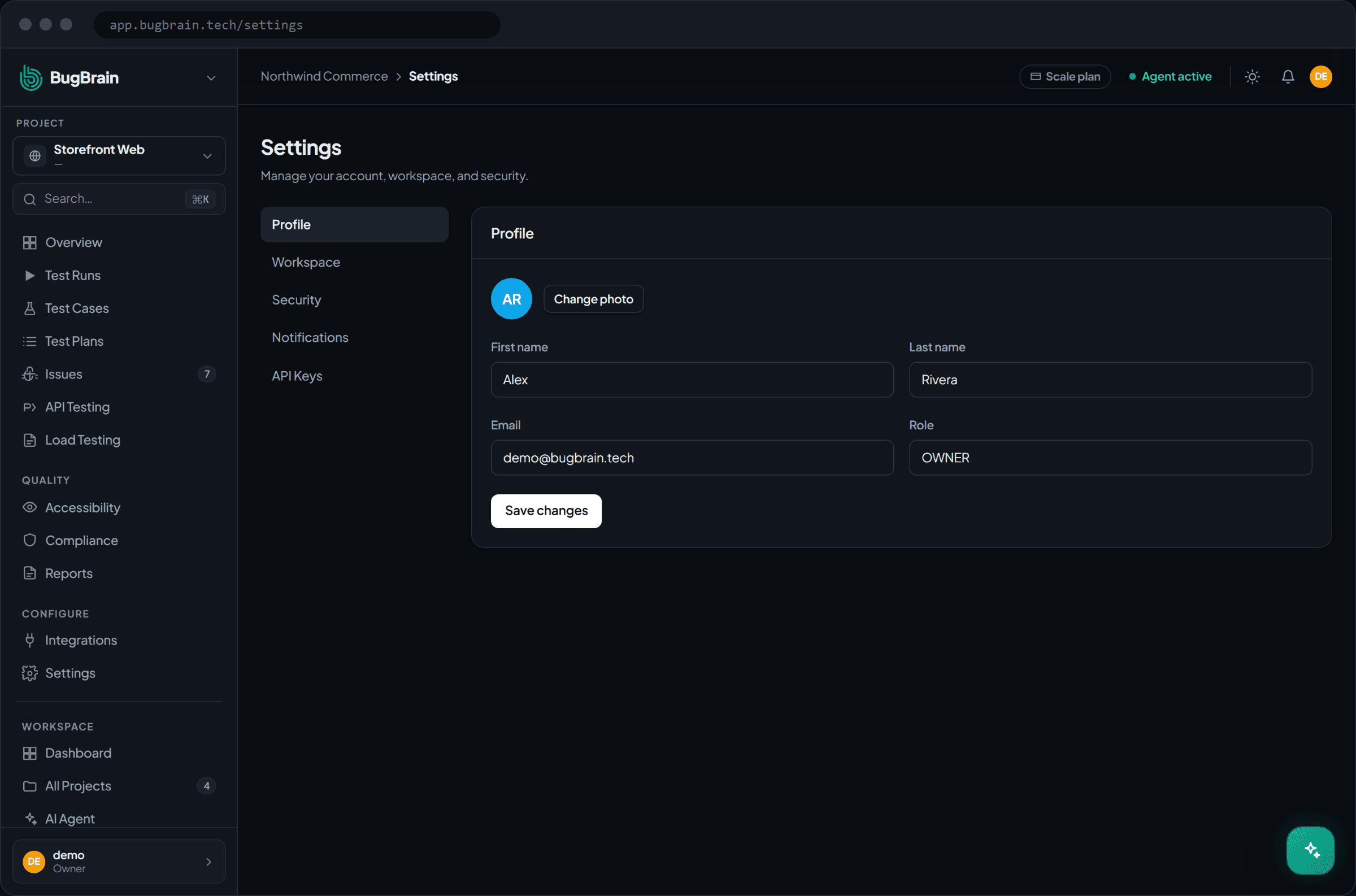
Go to Settings → API Keys in your workspace.Name it
Give the key a clear name, like "CI pipeline" or "Claude Code", so you can recognize it later.Pick a Purpose
Choose MCP (full access) or PR / CI (least-privilege). The preset sets the scopes for you.Copy the key once
The plaintextsk_live_…key is shown a single time. Copy it now and store it as a secret — you can't view it again.
Some scopes are hard-enforced
A few scopes are privilege-sensitive — minting or revoking keys (key admin) and writing webhooks. These are enforced on the server, not just at the tool level, so a key without them genuinely cannot perform those actions.
Manage keys#
- Revoke — disable a key instantly when it's no longer needed or may be exposed. Anything using it stops working at once.
- Rotate — to replace a key, create a new one, switch your tool over, then revoke the old one.
Tips#
- Store keys in your CI provider's secret manager or your IDE's MCP config — never commit them to a repo.
- Use one key per tool so revoking it has a known, narrow blast radius.
- Prefer the PR / CI preset for pipelines; reserve MCP (full access) for trusted IDE use.
Related#
Frequently asked questions
What is an API key for?
An API key (it starts with sk_live_) lets a program — like the MCP server in your IDE, or a CI job — act on your workspace without a human login. You create it once and give it to the tool that needs access.
What's the difference between the MCP and PR/CI purposes?
The Purpose preset sets the key's scopes for you. MCP grants full access — handy for driving BugBrain from your IDE. PR/CI grants least-privilege scopes (including pr:write) — the right choice for an automated pipeline that only needs to do a few things.
Why does an empty scope set mean full access?
An empty set of scopes is the "no restrictions" case, so it grants everything. That's why you should pick the narrowest Purpose that works — choosing PR/CI applies a limited scope set instead of leaving it wide open.
I lost the key — can I see it again?
No. The plaintext key is shown only once, at creation. If you lose it, revoke that key and create a new one. You can revoke any key at any time.