
Test cases
Create repeatable test cases in BugBrain — write plain-English steps, generate them with AI from a description, import from CSV, organize by category and suite, and export to Playwright.
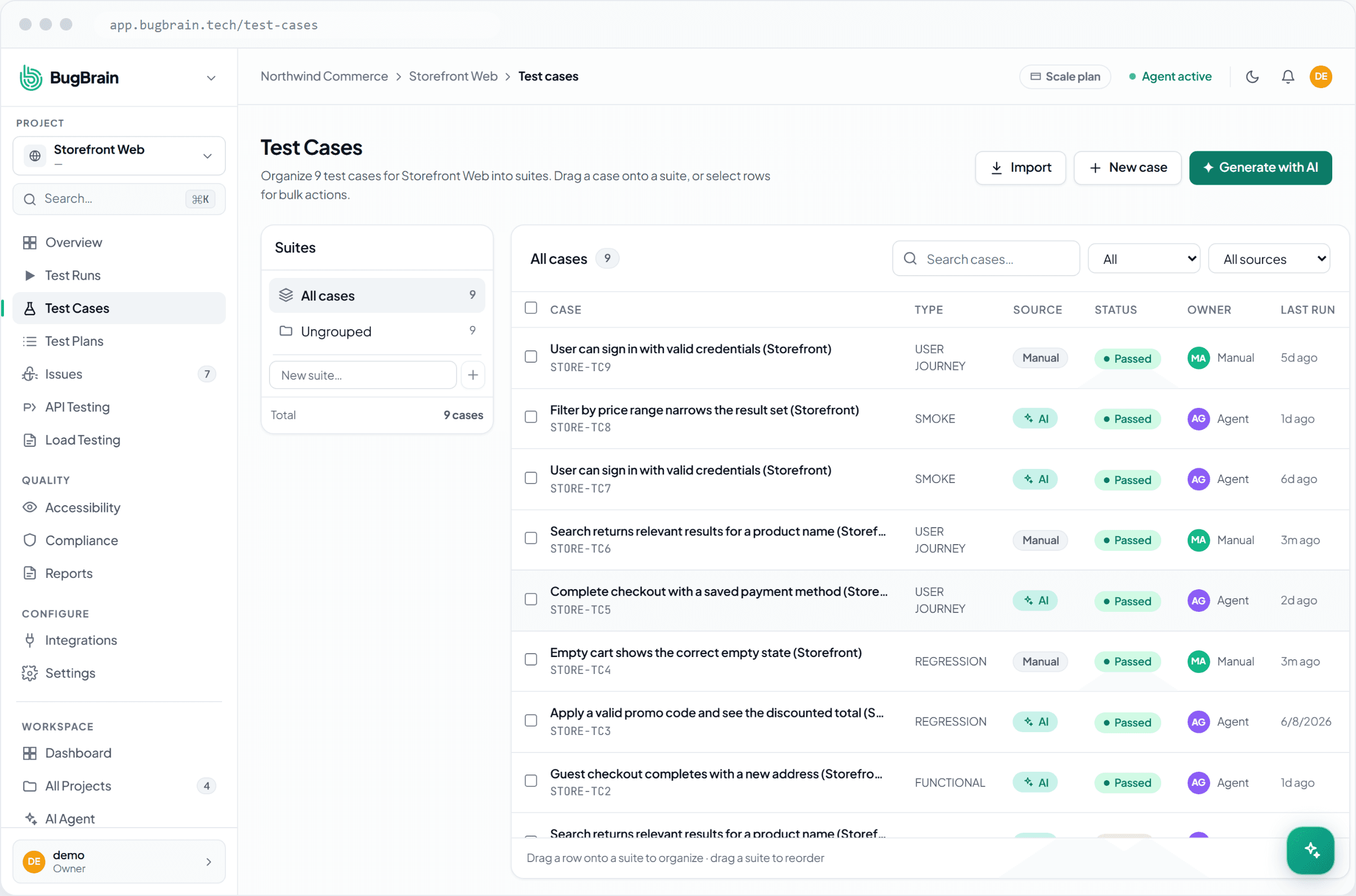
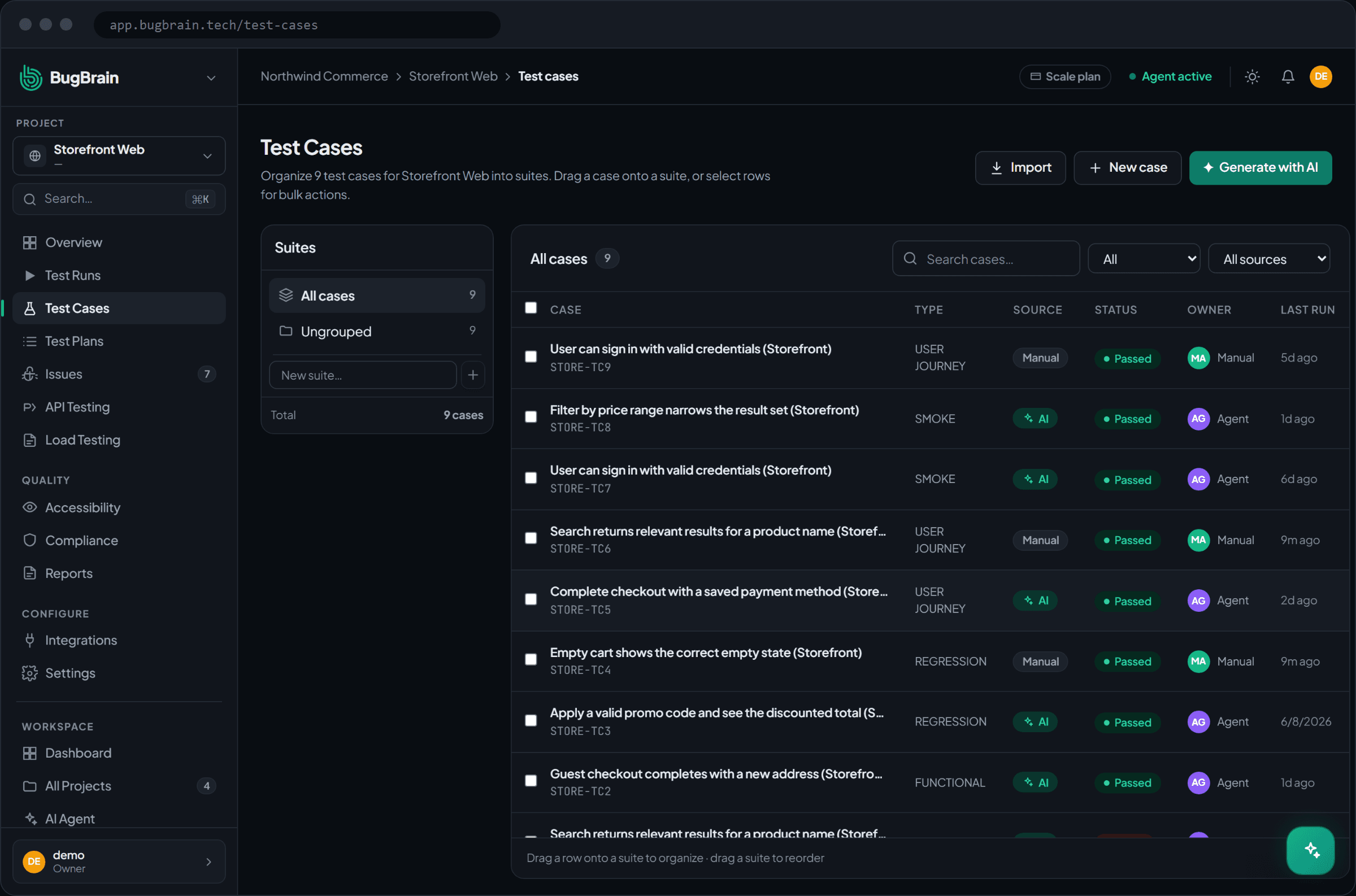
A test case is a saved, repeatable check — for example, "a user can sign in with valid credentials" or "a guest can complete checkout." This guide covers creating, organizing, running, and exporting them.
What it is#
Test cases capture a specific flow as a sequence of semantic steps — intent like "fill the email field" and "click Continue," not brittle CSS selectors. Because steps describe what to do rather than exactly which element, they survive UI changes far better than traditional scripts, and they compile to exportable Playwright code when you need it.
Why use it#
- Repeatable regression coverage — the same critical flows are checked identically on every run, schedule, or pull request.
- Plain English — anyone on the team can read and write them; no automation engineer required.
- Portable — export to Playwright TypeScript; you're never locked in.
Before you start#
You need a project and the test-cases:create permission. To run cases you'll also want test-cases:execute.
Create a test case#
There are three ways to create cases — pick whatever fits.
Write it manually
Choose New test case and add steps as plain-English intent, plus the expected result. Set a category (Functional, Smoke, Regression, etc.) and any tags.Generate from a description
Use From natural language — describe the flow ("log in and add an item to the cart") and the AI drafts the steps for you to review and save.Let the agent author them
As BugBrain maps your app, the agent can propose and author cases from real flows it discovered — you review and approve.
Import from CSV#
To bring in existing cases, choose Import CSV and upload a file with titles, descriptions, categories, and steps. BugBrain parses it and creates the cases in bulk.
Organize them#
- Categories — group by intent: Functional, Smoke, Regression, Negative Paths, Forms & Validation, User Journeys.
- Suites — assign cases to suites for reuse across plans.
- Status — enable or disable a case without deleting it.
- Tags — flag cases (e.g. the agent tags flaky ones) for filtering.
Run and review#
Open a case to see its steps, expected result, and execution history — pass/fail/flaky results with screenshots. Run a single case, or group cases into a test plan to run many together. Each execution records a verdict (PASS, FAIL, or INCONCLUSIVE) and the evidence behind it.
Promote, don't rewrite
The fastest way to build a strong suite is to run exploratory tests first, then promote the real flows they exercise into test cases — rather than authoring everything from scratch.
Export to Playwright#
Any case compiles to portable Playwright TypeScript. The compilation is deterministic — the same steps and cached fingerprints produce the same code — so you can export, review, and run it in your own pipeline.
Tips#
- Keep each case focused on one flow; small cases are easier to read, run, and heal.
- Use the From natural language path to draft quickly, then tighten the steps.
- Watch the flaky tag — stabilize or quarantine flaky cases so they don't erode trust in results.
Related#
Frequently asked questions
Do I write test cases in code?
No. Steps are written as plain-English semantic intent ("click the checkout button"), not selectors. They compile to portable Playwright TypeScript if you ever want to run or export them as code.
How is a test case different from an exploratory run?
A test case is a saved, repeatable check that runs the same way every time — ideal for regression coverage. An exploratory run is open-ended discovery. Most teams promote important flows found during exploration into test cases.
What happens when the UI changes and a step breaks?
Steps resolve through a cached element fingerprint and then semantic locators, so small UI changes often don't break a case. When they do, the agent heals the case and records the fix — see self-healing tests.
Can I bulk-import existing test cases?
Yes. Import a CSV of titles, descriptions, categories, and steps, and BugBrain creates the cases for you.