
How to test an LLM chatbot
How to test an LLM chatbot, voice agent, or AI endpoint in BugBrain — connect a target, write test cases for prompt consistency, injection probes, hallucinations, and more, then run them and compare against a baseline. A metered add-on.
AI testing lets you test the LLM-powered apps you build — chatbots, voice agents, and custom AI endpoints — for the things that matter with AI: does it stay consistent, can it be jailbroken, does it hallucinate, is it toxic, does it remember context. This guide covers connecting a target, writing test cases, and reading runs. It is a metered add-on, so it must be enabled for your workspace first.
What it is#
AI testing is built around three objects, found under Projects → AI testing.
Targets — the AI app you're testing#
A target is the LLM endpoint under test. BugBrain supports ten provider types so you can connect almost any setup:
- REST and OpenAI-compatible HTTP endpoints
- WebSocket endpoints
- Voice platforms — ElevenLabs, Vapi, and Bland
- Workflow and framework hosts — n8n and LangChain-Serve
- Anthropic APIs
- A custom webhook for anything else
A target's authentication is encrypted at rest, so credentials are stored securely and kept out of logs.
Test cases — what to check#
A test case specifies one check, in one of ten kinds:
- PROMPT_CONSISTENCY — the app gives stable answers to the same prompt.
- CONVERSATION_FLOW — a multi-turn conversation goes where it should.
- INJECTION_PROBE — adversarial inputs that try to override instructions or jailbreak the app, scored for whether the attack succeeded.
- HALLUCINATION_SCAN — the app doesn't state things that aren't true.
- TOXICITY_SCAN — the app doesn't produce toxic or harmful output.
- VOICE_FLOW — a voice agent handles a spoken conversation correctly.
- CONTEXT_RETENTION — the app remembers earlier context across turns.
- TOOL_USE_CORRECTNESS — the app calls its tools correctly.
- BENCHMARK_SUITE — the app is scored against a benchmark dataset.
- REGRESSION_GUARD — quality hasn't dropped versus a known-good baseline.
Runs — the results#
A run executes a test case against a target and records quality metrics, a judge/target cost split (what the test cost to run, separated into the cost of the app you tested and the cost of the AI judge that scored it), and turn-by-turn conversation transcripts. You can pin a baseline and use cross-run regression compare to see whether a later run got better or worse.
Why use it#
- The AI-specific risks — injection, hallucination, and toxicity don't show up in ordinary UI tests; these checks target them directly.
- Catch quality regressions — baselines and regression compare turn "it feels worse since the last change" into a measured difference.
- Connect what you already built — ten provider types cover REST, OpenAI-compatible, voice platforms, workflow hosts, and custom webhooks.
Before you start#
AI testing is a metered, feature-flag-gated add-on. Before the pages work for your workspace:
- A super-admin must turn on the
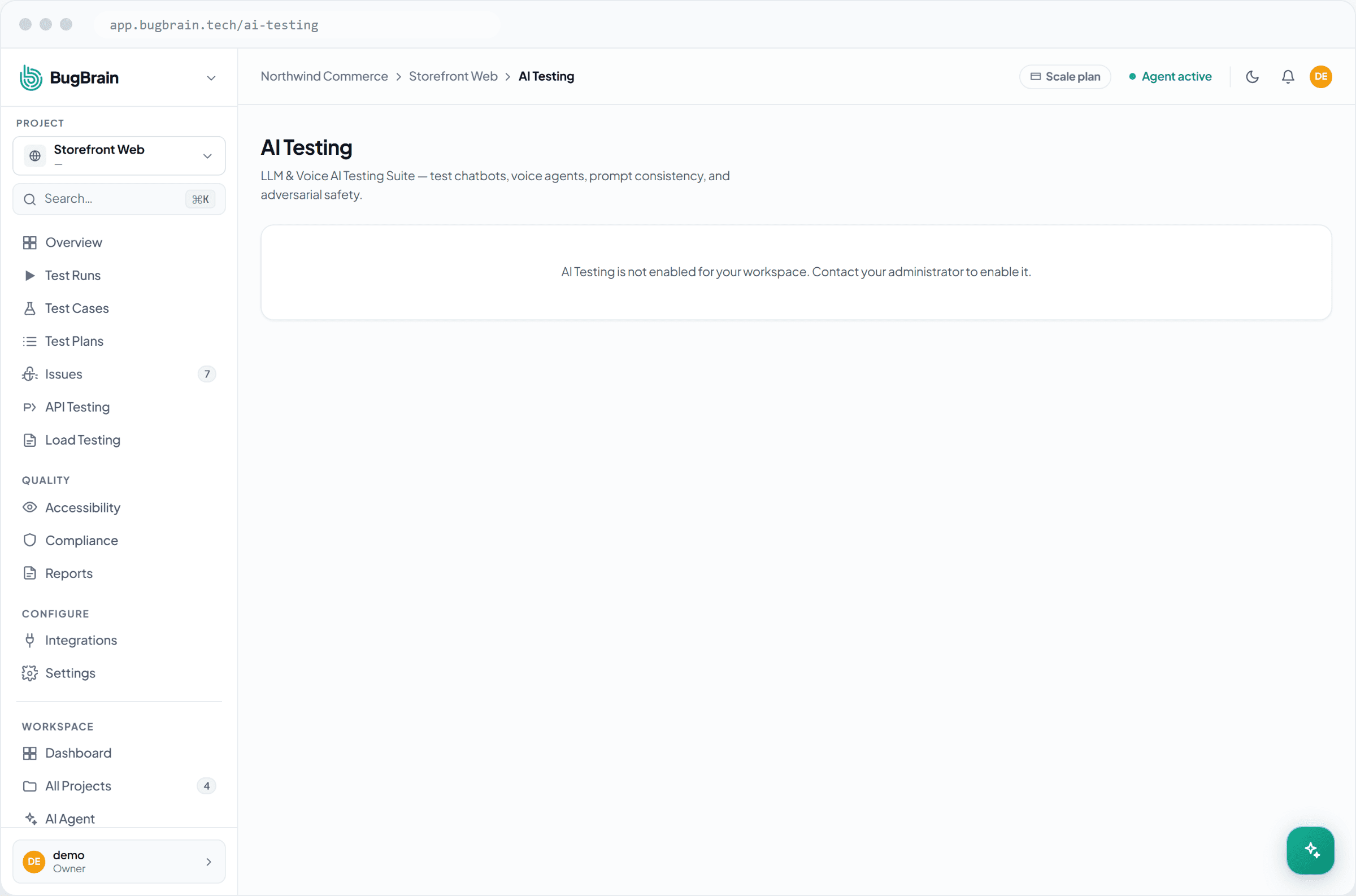
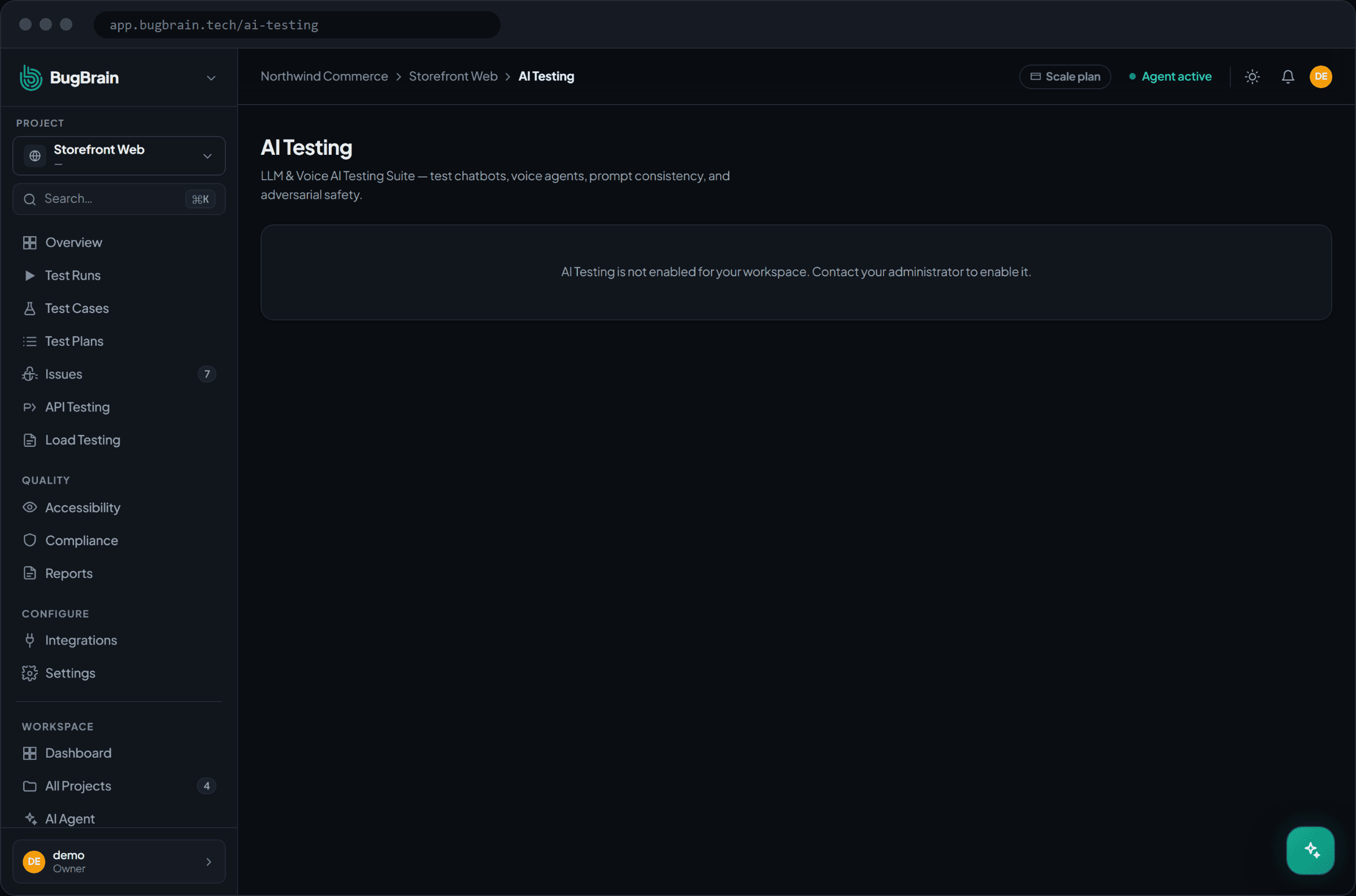
ai-testingfeature flag and grant a monthly AI-test quota above zero. If the flag is off or the quota is 0, the page shows a "not enabled" notice with an upgrade or contact path. - You'll need the connection details and credentials for the AI app you're testing.
- You need permissions:
ai-testing:viewto see targets, cases, and runs;ai-testing:create/ai-testing:edit/ai-testing:deleteto manage them; andai-testing:executeto run a test.
Add-on, gated two ways
Like BugBrain's other metered add-ons, AI testing only appears when its feature flag is on and a quota is granted. One run counts as one unit against your monthly AI-test quota, and a hard failure is refunded.
Connect a target#
Open AI testing
Go to Projects → AI testing → Targets.Choose a provider type
Pick the type that matches your app — REST, OpenAI-compatible, WebSocket, ElevenLabs, n8n, Vapi, Bland, Anthropic, LangChain-Serve, or custom webhook.Enter the endpoint and credentials
Provide the URL and the authentication the endpoint needs. Credentials are encrypted at rest.
Write and run a test case#
Create a test case
Go to Test cases and pick one of the ten kinds — for example, INJECTION_PROBE for jailbreak resistance or HALLUCINATION_SCAN for truthfulness.Fill in the spec
Provide the prompts, conversation, or dataset the kind needs.Run it against the target
Execute the case. One run is metered against your monthly quota.
Compare against a baseline#
Pin a baseline
Pin a known-good run as the baseline for a test case.Run again after a change
Make your change to the AI app, then run the same case.Compare runs
Use cross-run regression compare to see how the new run's quality metrics differ from the baseline — a REGRESSION_GUARD case automates this judgement.
Start with the highest-risk kinds
If you're new to AI testing, begin with INJECTION_PROBE and HALLUCINATION_SCAN — they catch the failures that do the most damage in production — then add CONTEXT_RETENTION and TOOL_USE_CORRECTNESS as your app grows more capable.
Tips#
- Keep one target per deployment (for example, staging versus production) so a baseline always compares like with like.
- Re-run your INJECTION_PROBE and TOXICITY_SCAN cases after any prompt or model change — safety behavior is easy to regress.
- Watch the judge/target cost split to keep an eye on what your testing — and your app — actually cost per run.
Related#
Frequently asked questions
What kinds of AI apps can I test?
LLM-powered apps — chatbots, voice agents, and custom AI endpoints. You connect a target across ten provider types (REST, OpenAI-compatible, WebSocket, ElevenLabs, n8n, Vapi, Bland, Anthropic, LangChain-Serve, or a custom webhook) and run test cases against it.
How is my target's authentication stored?
A target's credentials are encrypted at rest, so secrets like API keys are never stored in the clear and are redacted from logs.
What's a prompt injection test versus a hallucination scan?
An injection probe sends adversarial inputs that try to override the app's instructions or jailbreak it, and scores whether the attack succeeded. A hallucination scan checks whether the app states things that aren't true. They're two of ten test-case kinds you can run.
How do I tell if my AI app got worse after a change?
Pin a run as a baseline, then use cross-run regression compare to see how a later run's quality metrics differ. A regression-guard test case is built for exactly this.
Why do I see a "not enabled" notice?
AI testing is a metered add-on. It needs the ai-testing feature flag on and a monthly AI-test quota above zero. If either is missing, the page shows a "not enabled" notice with an upgrade or contact path.