
Reports & sharing
How to build, snapshot, schedule, and share QA reports in BugBrain — Executive Quality Brief, Weekly QA Summary, Release Readiness, Accessibility Audit, Compliance Evidence, and SOC 2 Evidence Pack, with PDF export and read-only share links.
Reports turn your test activity into polished documents — a leadership brief, a weekly QA summary, a release-readiness check, or an auditor-ready evidence pack. This guide covers building report definitions, snapshotting them, scheduling delivery, and sharing.
What it is#
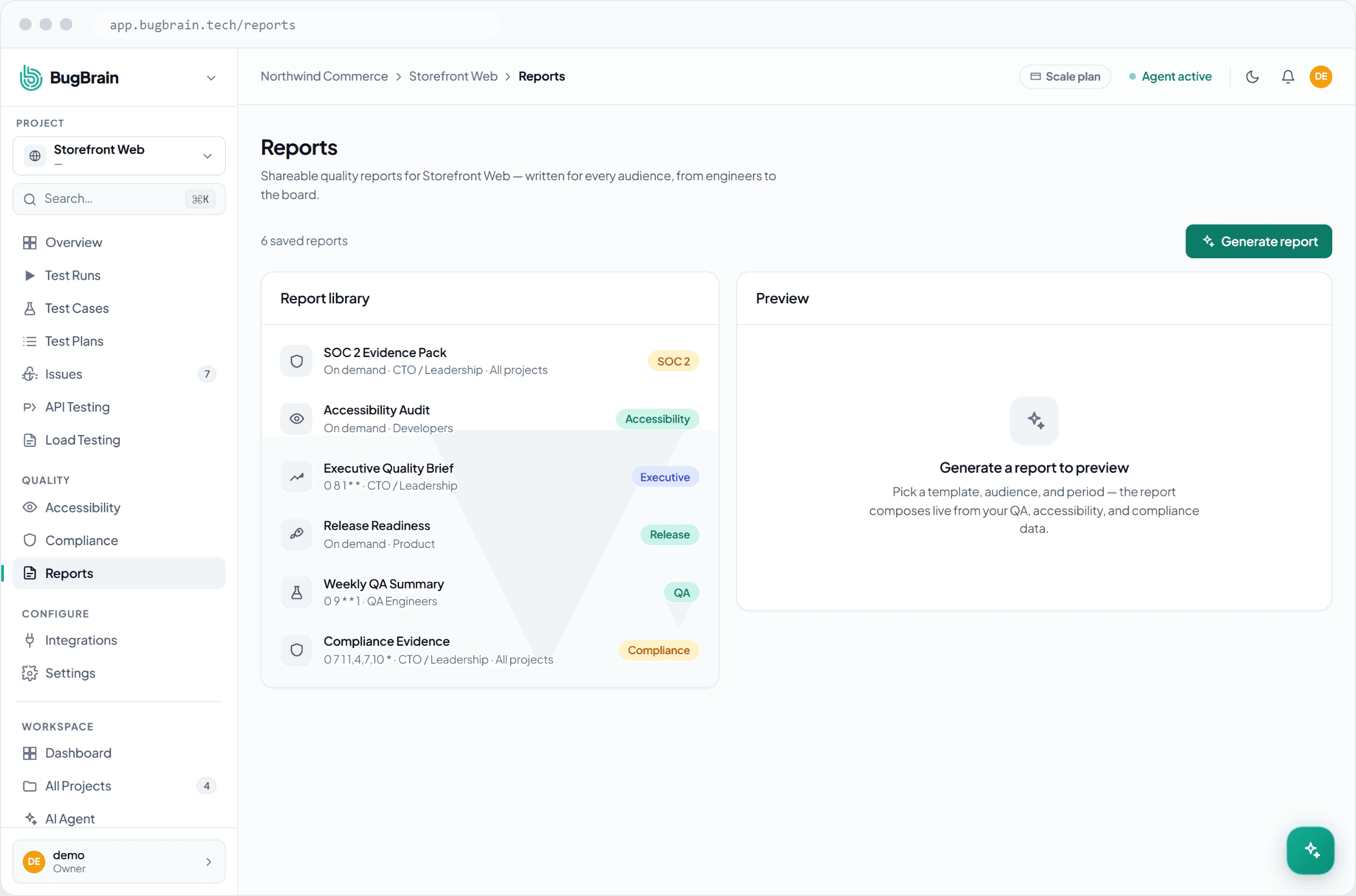
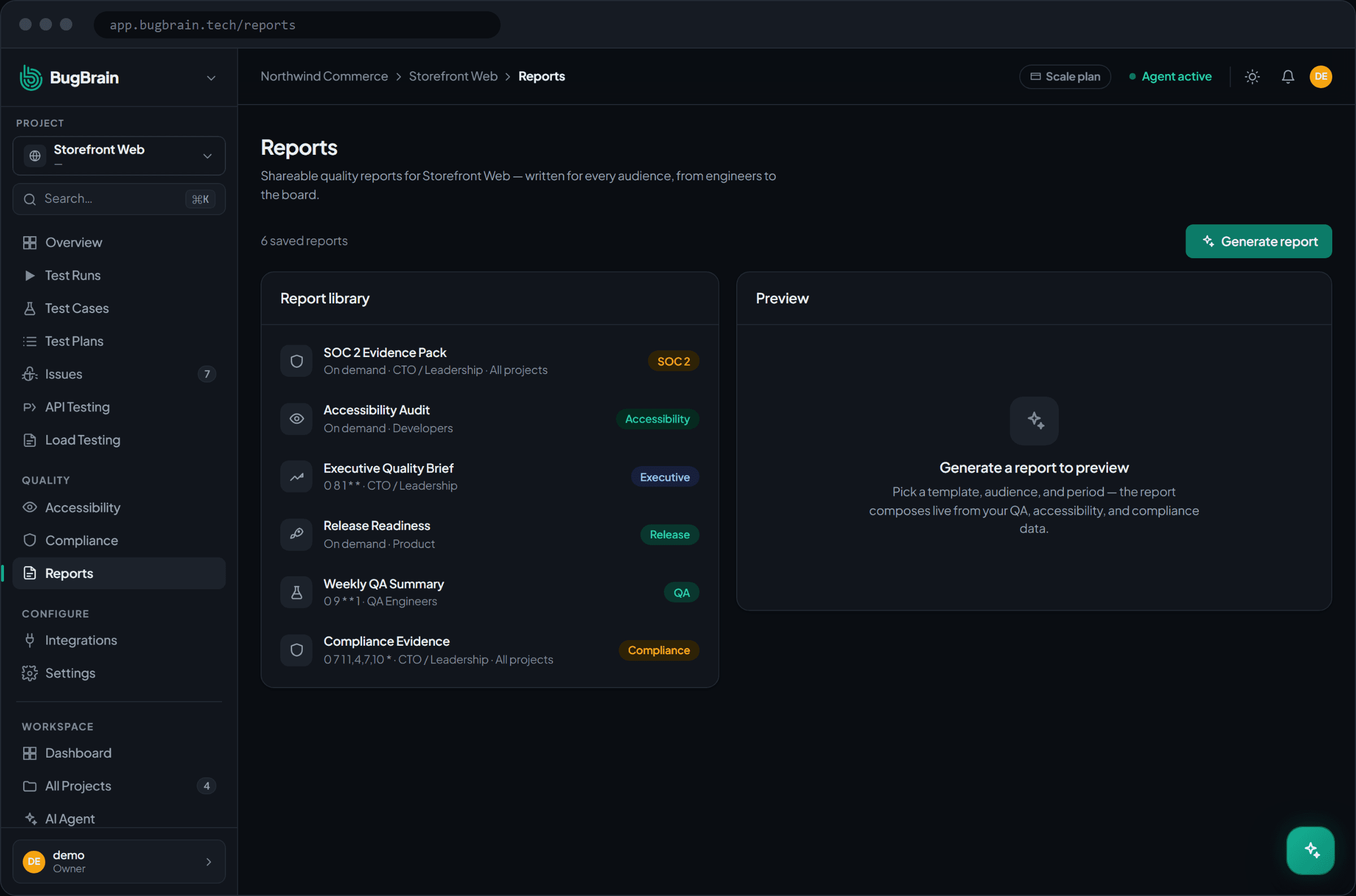
A report definition is a reusable template: you pick a report type and BugBrain assembles it from your project's runs, issues, and checks. The available types are:
- Executive Quality Brief — a leadership one-pager on overall quality.
- Weekly QA Summary — what was tested and found this week.
- Release Readiness — a go/no-go view ahead of a release.
- Accessibility Audit — your latest WCAG findings, packaged.
- Compliance Evidence — findings assembled to support an attestation.
- SOC 2 Evidence Pack — an evidence bundle for a SOC 2 readiness review.
From a definition you create a snapshot — a generated, point-in-time copy frozen so it stays stable to share or archive even as your data keeps changing.
Definition vs. snapshot
Think of the definition as the template you keep, and the snapshot as a single dated printout of it. You build the definition once; you can snapshot it as many times as you like.
Why use it#
- The right view for the right audience — an Executive Quality Brief for leadership, a Release Readiness report for a launch call, an evidence pack for an auditor.
- Hands-off delivery — schedule a report to generate and email itself on a cadence, so stakeholders stay informed without anyone remembering to send it.
- Share safely — a read-only link or scoped auditor access lets outsiders read a report without a workspace seat.
Before you start#
You need the right permissions:
reports:viewto open and read reports.reports:createto create report definitions and snapshots.reports:editto change an existing definition.
Reports are richest when your project already has run history, issues, and (for the audit packs) accessibility or compliance results to draw on.
Build and snapshot a report#
Open Reports
Go to Projects → Reports for your project.Create a definition
Choose a report type (Executive Quality Brief, Weekly QA Summary, Release Readiness, Accessibility Audit, Compliance Evidence, or SOC 2 Evidence Pack).Generate a snapshot
Create a point-in-time snapshot of the report from your current data.Export to PDF
Download the snapshot as a PDF for sharing or archiving.
Schedule recurring reports#
Open a definition
Pick the report you want delivered on a cadence.Add a schedule
Set how often it generates — for example, a Weekly QA Summary every Monday.Choose email delivery
Add the recipients who should receive each generated report.
Share a report#
- Read-only share link — generate a link that lets anyone with it view the report, without a workspace login.
- Auditor access — grant scoped, read-only access for an outside reviewer (handy for the Compliance Evidence and SOC 2 packs).
- PDF export — download any snapshot to attach to an email or ticket.
Snapshot before you share
Always share a snapshot, not a live definition. A snapshot is frozen, so the reader sees exactly what you intended — even if the underlying data changes the moment after you send it.
Tips#
- Use snapshots for anything that goes to an auditor or a release call — a stable, dated artifact beats a moving target.
- Schedule the recurring summaries (Weekly QA, Executive Brief) so reporting becomes automatic.
- Prefer read-only links and auditor access over adding outside reviewers as full members.
Related#
Frequently asked questions
What's the difference between a report definition and a snapshot?
A report definition is the reusable template — which report type to build and how. A snapshot is one generated, point-in-time copy of that report, frozen so it stays stable to share or archive even as your data keeps changing.
Can I send reports automatically?
Yes. Schedule a report definition to generate on a recurring cadence and deliver it by email, so stakeholders get the Weekly QA Summary or Release Readiness report without anyone running it by hand.
How do I share a report with someone outside my workspace?
Generate a read-only share link, or grant scoped auditor access. Both let an outside reader view the report without a full workspace seat. You can also export any report to PDF.
What report types are available?
Executive Quality Brief, Weekly QA Summary, Release Readiness, Accessibility Audit, Compliance Evidence, and a SOC 2 Evidence Pack — covering everything from a leadership one-pager to an auditor-ready evidence package.